Put your cast behind the Tiny Desk.
You on lead, with friends on keys, sax or backing vocals. Bring one portrait, or cast the whole band.
- Photos
- 1–5 photos
- Length
- 5s / 10s / 15s
- Format
- Landscape, portrait & square
- Resolution
- 768P / 2K
Start your Tiny Desk-inspired band with a photo for the lead singer. Add up to four more portraits for the saxophonist, keyboard player and two backing singers, in any combination. Empty optional slots keep their preset performers. The band, lead laugh and sax solo appear across separate shots, rather than all five people staying in one frame. Keep the 15-second preset for the longer performance, or choose a shorter moment. The desk, instruments and performance reference are built in, with AI-generated sound.
A small desk. Your own band.
The Tiny Desk AI meme turns an intimate office concert into a casting surprise. Your lead gets the laugh and close-up; the other musicians appear in ensemble and instrumental shots. Add friends to any of the four optional roles without replacing everyone.
One lead, four optional bandmates
The lead singer needs a photo. Add a friend on keys, sax, either backing vocal, or all four. Leave the optional slots empty to keep the preset band.
Keep the rest of the scene
Unselected musicians keep their preset appearance. The instruments, office and reference performance are already supplied, so there is no band photo or source clip to find.
Your group chat gets the joke
Make a cheerful reaction, a birthday performance or a team-group-chat post. Add your caption after downloading the finished video.
How to make your Tiny Desk AI video
Add your lead singer
Upload one well-lit portrait for the required lead-singer slot. Use one person with a clear face and visible shoulders.
Bring friends into the band
All five upload slots are visible. The saxophonist, keyboard player and two backing singers are optional. Add photos only for the extra roles you want to replace, then choose the video settings.
Generate and review the performance
Check each selected person through the gestures and cuts, along with hands, instruments and AI sound. Download your video and add a caption or soundtrack when you post.
Before you upload
Give each selected musician a clear face
Use a separate portrait for each role you want to change. A sharp face and visible upper body help the model keep the cast distinct.
JPG, PNG or WebP
Use one person per photo. Upload it to the role that person should perform, with their face and hair clearly visible.
Choose even lighting and a front or slight-angle view. Avoid sunglasses, deep shadows and heavy filters.
Include the head and shoulders or upper body. Leave some space around the head instead of using a very tight crop.
A plain everyday portrait is enough. You do not need a stage outfit, instrument, microphone or office background.
AI sound and your final soundtrack
The trend is associated with “Outstanding,” but this generator produces AI sound. The original recording, exact lyrics and beat-for-beat synchronization are not included as a promise.
AI-generated sound included
AI-generated sound is included. It may differ from the reference; you can replace it when editing or posting your video.
Add the track when you post
The original song is not guaranteed in the output. For a specific track, replace the generated soundtrack with audio available to you on your publishing platform.
Review before you share
Check the people or pet, movement and audio in the result. You can download a completed video and return to it in History.
Tiny Desk AI questions
It is an AI recasting of a small office-concert performance, often associated with Charlie Wilson’s “Outstanding” moment. Our template lets you cast selected band roles in a generated desk-concert scene. RemakeMeme is independent and is not affiliated with NPR, Tiny Desk, Charlie Wilson or The Gap Band.
One photo is required for the lead singer. The saxophonist, keyboard player and two backing singers are optional, so you can add one to four bandmates in any combination. Empty optional slots keep their preset performers. Left and right backing singers are named from the camera’s view. The five roles appear across different shots; they do not all stay in one frame.
No. The reference and creative direction are built in. Add the required lead portrait, optionally add bandmates, and select your output settings. The source clip is used behind the scenes and is not displayed as a RemakeMeme example.
The output includes AI-generated sound, which can differ from the reference. The original song, vocals and exact lip synchronization are not guaranteed. For a specific soundtrack, replace the audio in your editor or select an available track when you post.
The default is 15 seconds, 9:16 portrait and 768P. Choose 5, 10 or 15 seconds; 16:9, 9:16, 1:1 or 4:3; and 768P or 2K. Short versions focus on the lead and any additionally cast musicians and may omit other shots. The model can change framing and cuts. Duration and resolution affect the credit quote; adding optional bandmate photos does not.
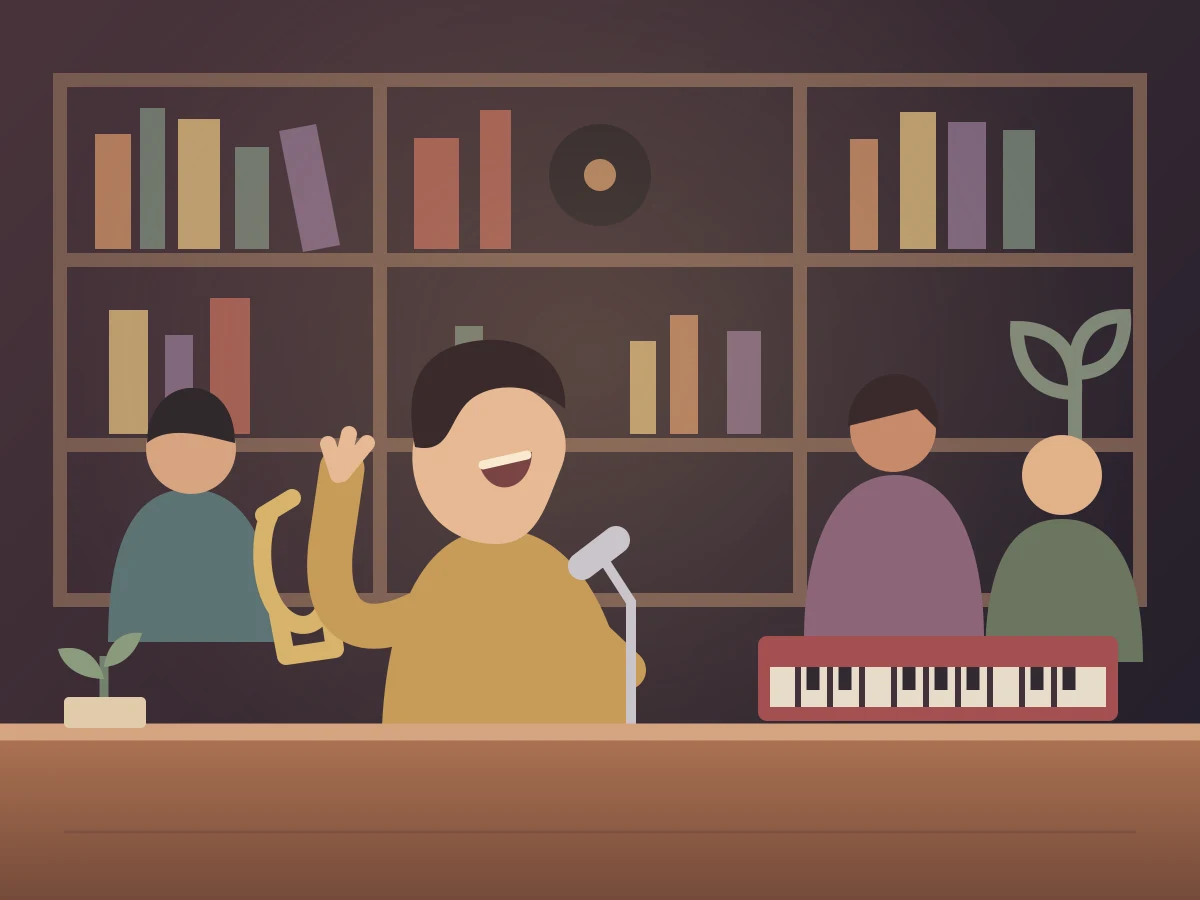
The Tiny Desk cover is an original concept illustration, not a generated video result. A verified RemakeMeme video example has not been published yet. Faces, hands, instruments and motion can vary; review the finished video before sharing.
A different cast. Another moment.
Try a different template for a friend, a solo performance or your pet.
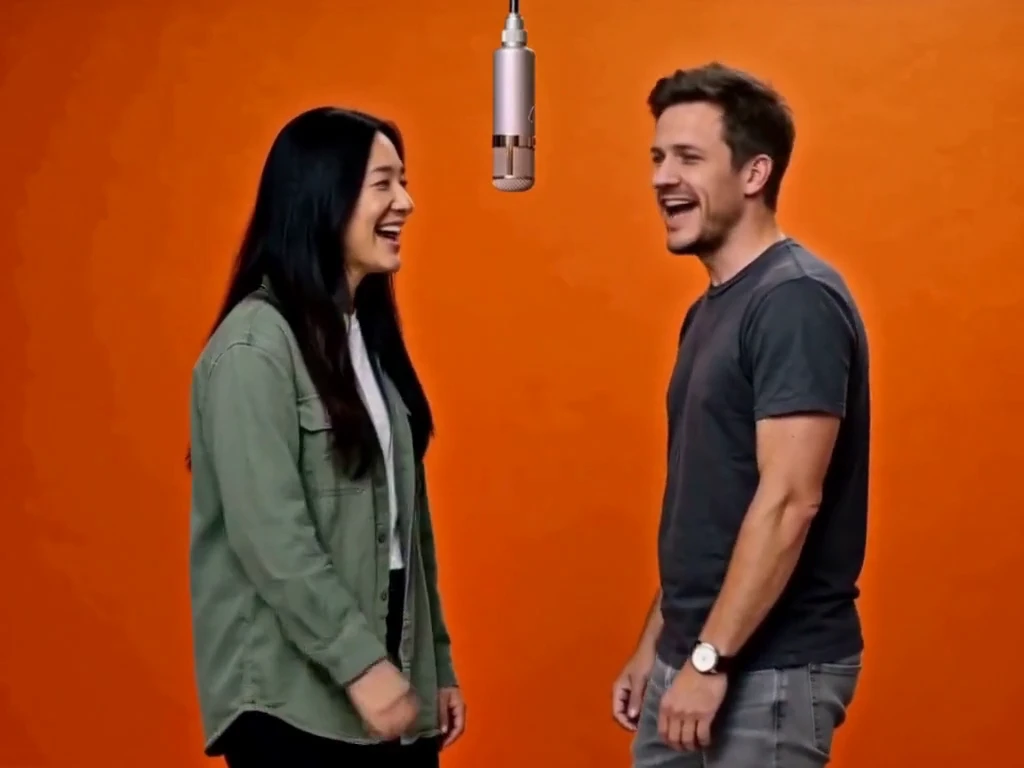
Hotel Lobby
2 photos · 5–15 seconds · 4:3 default
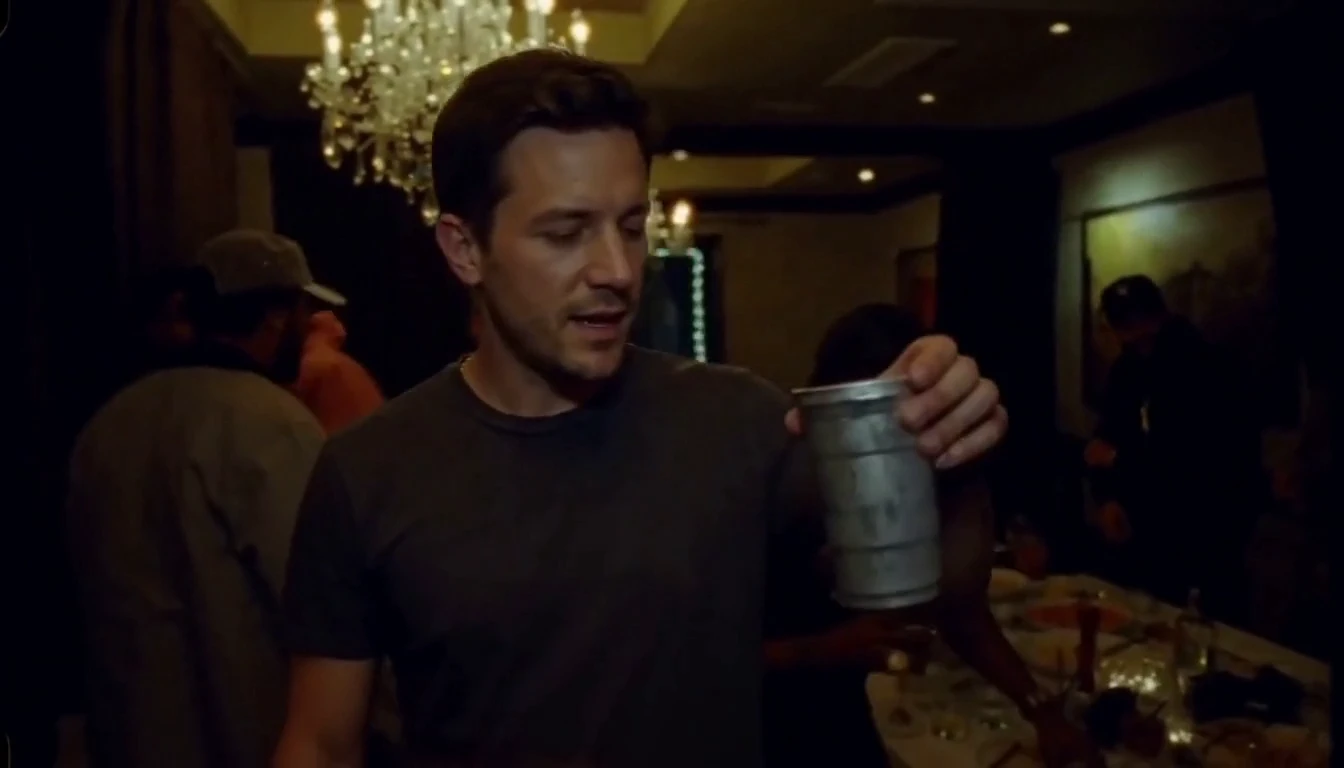
Burning Bridges
1 photo · 5–15 seconds · 16:9 default
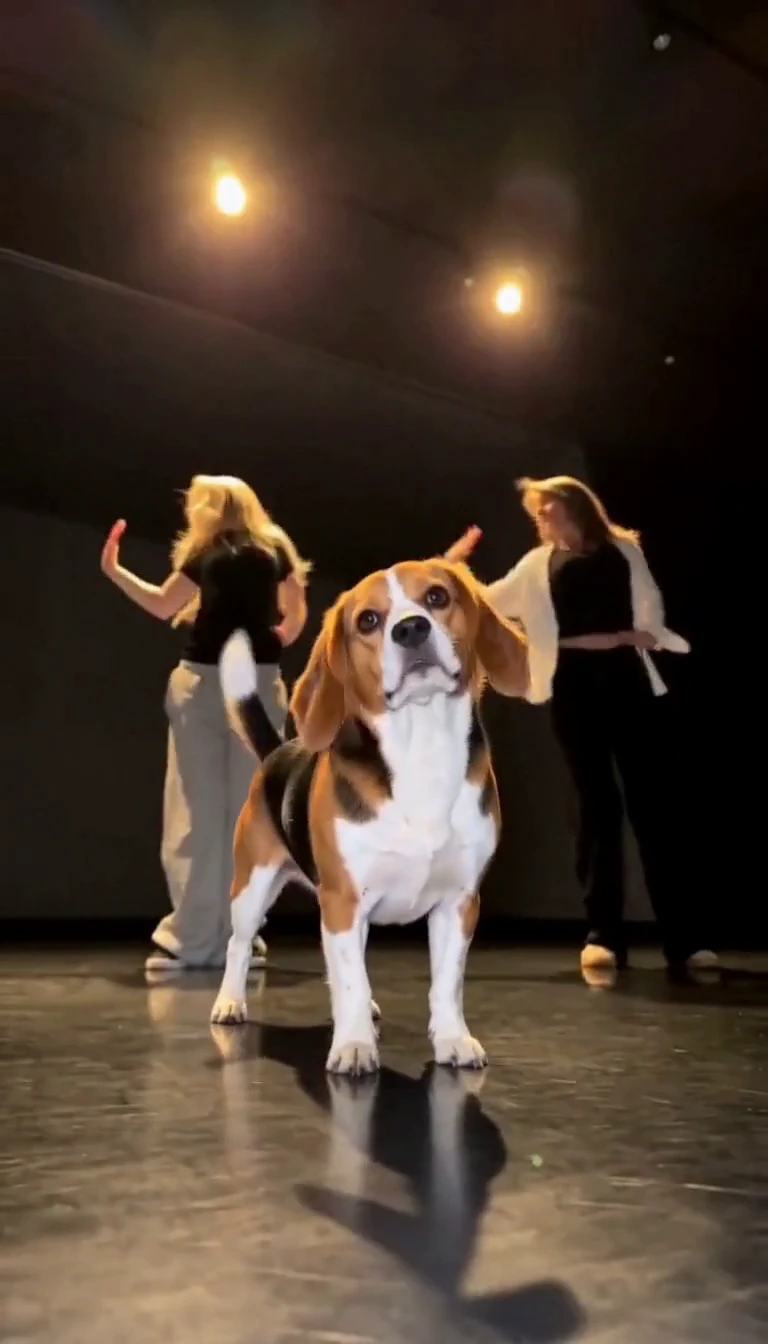
Single Ladies Pet
1 pet photo · 5–15 seconds · 9:16 default