Make a Hotel Lobby video with two photos.
You and a friend, one hanging mic, one orange booth. Cast the left and right performers with two photos.
AI-generated example · 15s · 2 photos
- Photos
- 2 photos
- Length
- 5s / 10s / 15s
- Format
- Landscape, portrait & square
- Resolution
- 768P / 2K
Turn two photos into your own Hotel Lobby rap duet. Add one photo for each performer and choose who takes the left and right sides of the orange booth, with a hanging microphone between them. The preset supplies the performance reference for your remake. Choose 5, 10 or 15 seconds, with 10 seconds selected by default. AI-generated sound is included. You can replace it with music from your platform’s library when you post. Choose landscape, portrait or square framing in the form.
Two people. One mic. Your turn.
Hotel Lobby is built around the back-and-forth of a rap duet: two performers facing each other in an orange booth, sharing a hanging microphone. Cast each side with a separate photo.
A left and a right performer
Choose who stands on each side before you generate. The two photo slots make the casting clear, and you can swap them in the form.
The orange-booth setup
The preset supplies the booth, hanging mic and performance reference. Bring the faces; the scene is already chosen.
A duet made for two
Use a pair of your own portraits, cast yourself with a friend, or make a playful two-person greeting. Choose photos you have permission to use.
How to make your Hotel Lobby remake
Cast the left performer
Add a clear photo of one person to the left slot. Use a face that is easy to see, with room around the head and shoulders.
Cast the right performer
Add the second person to the right slot. Check the pairing and use the swap button if you want to reverse their positions.
Choose your settings and make the duet
Choose 5, 10 or 15 seconds and 768P or 2K with AI-generated sound. Generate your video and review both performers before sharing.
Before you upload
Give each performer a clear photo
Two separate portraits make it easier to assign each identity to the correct side.
JPG, PNG or WebP
Use one person per image, rather than the same group photo in both slots.
Keep the face unobstructed. Avoid heavy blur, deep shadows, sunglasses and hands over the face.
A head-and-shoulders or upper-body photo gives more context than a very tight face crop.
Check left and right before generating. Swapping the slots changes which side each photo is assigned to.
AI sound and your final soundtrack
The duet follows a performance reference. AI audio and lip movement may vary; the original vocals, song and exact words are not guaranteed.
AI-generated sound included
AI-generated sound is included. It may differ from the reference; you can replace it when editing or posting your video.
Add the track when you post
The original song is not guaranteed in the output. For a specific track, replace the generated soundtrack with audio available to you on your publishing platform.
Review before you share
Check the people or pet, movement and audio in the result. You can download a completed video and return to it in History.
Hotel Lobby questions
Both photos are required: one for the left performer and one for the right performer. Each image should show one clear person. You do not need to upload a reference video.
Yes. Add both photos, then use the swap button between the slots to reverse their assignment. You can also change or remove each photo separately.
No. The template supplies the performance reference, orange booth and hanging microphone. Upload the two photos, choose the length and 768P or 2K, and review the AI-generated sound.
AI-generated audio is included, but the original track and vocals are not guaranteed. You can replace the soundtrack with an available track when editing or posting.
Choose 5, 10 or 15 seconds, with 10 seconds selected by default. Hotel Lobby defaults to 4:3, with 768P or 2K available. Shorter versions focus on key gestures and may omit part of the reference performance. The form updates the credit quote when you change length or resolution. Choose 768P for a lower credit cost or 2K for more detail. Choose 16:9 landscape, 9:16 portrait, 1:1 square or 4:3. Changing format asks the model to reframe the scene; composition may differ from the reference. Aspect ratio does not change the credit cost.
AI results can vary. Clear, separate portraits help, but faces, clothing, positions and movement may change. Review both people in the finished video before sharing.
A different cast. Another moment.
Try a different template for a friend, a solo performance or your pet.
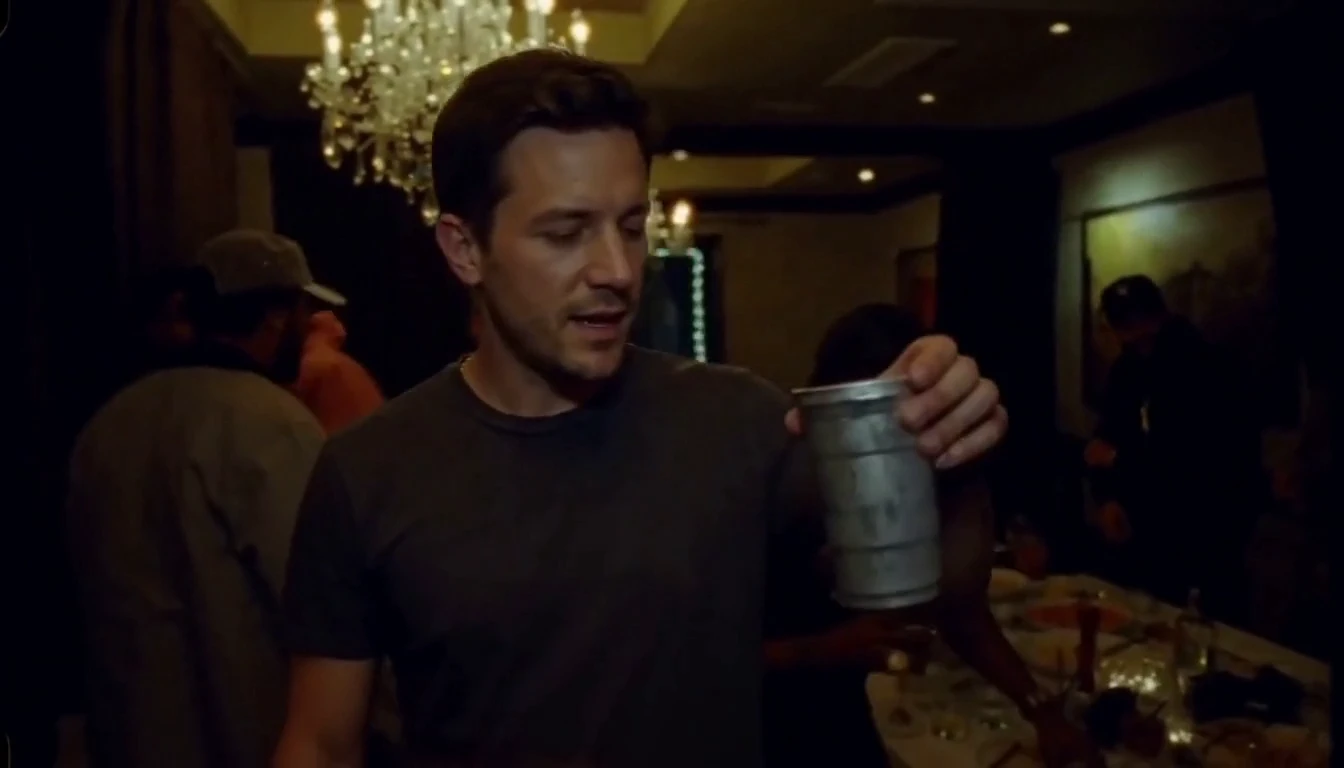
Burning Bridges
1 photo · 5–15 seconds · 16:9 default
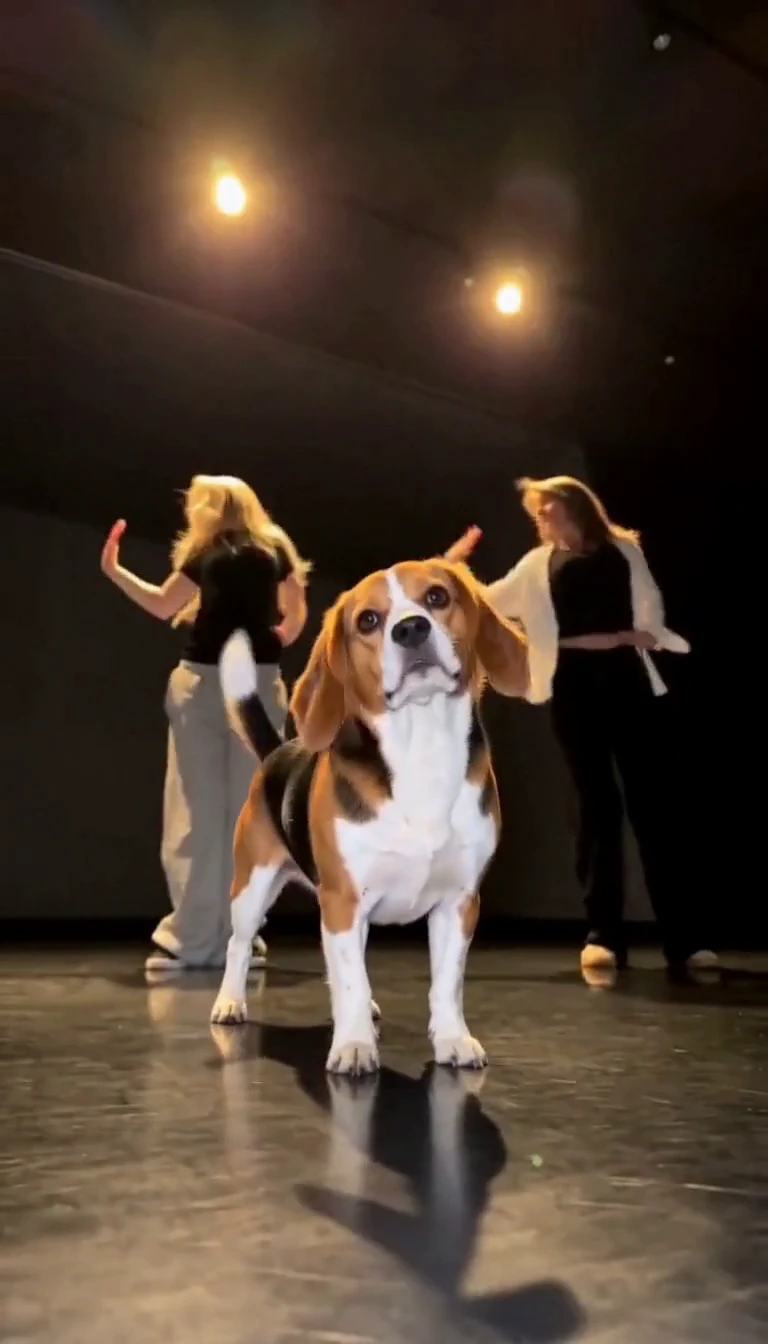
Single Ladies Pet
1 pet photo · 5–15 seconds · 9:16 default