Give your pet a Single Ladies dance moment.
Your pet takes center stage, tossing its head to the beat while two backup dancers keep the routine moving.
AI-generated example · 5s · 1 pet photo
- Photos
- 1 pet photo
- Length
- 5s / 10s / 15s
- Format
- Landscape, portrait & square
- Resolution
- 768P / 2K
Give your pet the lead in a Single Ladies-inspired dance scene. Upload one clear pet photo; the preset supplies the routine and two human backup dancers. Choose a 5, 10 or 15-second clip built around your pet’s head dips and tosses. The default is 5 seconds for a short routine. AI-generated sound is included. You can replace it with music from your platform’s library when you post. Choose landscape, portrait or square framing in the form.
Your pet gets the spotlight.
Single Ladies Pet puts one pet at the center of a dance scene with two backup dancers. Head tosses and expressive movement are the joke; your pet’s face and coat make it personal.
One pet in the lead
Use a single photo of your dog or cat as the central subject. The preset supplies the stage and the two background dancers.
A head-toss dance scene
The template is built around a pet head-toss routine, with the backing dancers keeping the scene moving. There is no need to film your pet performing.
A pet post in your format
The default 9:16 format suits a phone screen. You can also choose landscape or square framing for a pet-account post, a birthday message or a playful introduction to the family star.
How to make your pet’s dance remake
Choose a clear pet picture
Pick a photo of one pet with its face, ears and coat visible. Include the body where possible instead of a tight nose-only crop.
Add your pet and choose the resolution
Upload the photo and choose 768P or 2K. The routine and two backup dancers are preset. AI-generated sound is included. You can replace it when editing or posting your video.
Make and review the dance
Generate your video at the selected length. Check the face, fur markings, legs and motion before downloading.
Before you upload
Let the photo show what makes your pet yours
An unobstructed face, distinct coat and visible body give a stronger reference than a blurry or tightly cropped picture.
JPG, PNG or WebP
Use one pet per photo. Avoid a person holding the pet in front of their face.
Keep the eyes, ears and muzzle clear, with enough light to see the coat markings.
Show as much of the pet’s body as possible; do not crop off the head or most of the legs.
Choose a still photo without heavy filters. You do not need a dance pose or a costume.
AI sound and your final soundtrack
The pet dance includes AI-generated sound. The original Single Ladies recording and exact beat matching are not guaranteed.
AI-generated sound included
AI-generated sound is included. It may differ from the reference; you can replace it when editing or posting your video.
Add the track when you post
The original song is not guaranteed in the output. For a specific track, replace the generated soundtrack with audio available to you on your publishing platform.
Review before you share
Check the people or pet, movement and audio in the result. You can download a completed video and return to it in History.
Single Ladies Pet questions
No. One clear, still photo is enough as the input. The template supplies the dance reference and background performers; you do not need to film a routine.
The template accepts one pet photo, including a dog or cat. The published example uses a dog. Other breeds and cats can produce different movement and appearance; cat results have not yet been verified.
No. There is only one required photo slot, for your pet. The two backup dancers belong to the preset scene and cannot be cast separately in this version.
AI-generated sound is included, but the original recording is not guaranteed. You can replace the soundtrack with an available track when editing or posting.
Choose 5, 10 or 15 seconds, with 5 seconds selected by default for a short routine. The default format is vertical 9:16, with 768P or 2K available. Shorter versions focus on a few head dips and tosses rather than the full reference routine. The credit quote updates when you change length or resolution. Choose 768P for a lower credit cost or 2K for more detail. Choose 16:9 landscape, 9:16 portrait, 1:1 square or 4:3. Changing format asks the model to reframe the scene; composition may differ from the reference. Aspect ratio does not change the credit cost.
Exact markings and anatomy are not guaranteed. A clear face and visible coat help, but AI may change fur, ears, paws or movement. Review the whole clip before sharing.
A different cast. Another moment.
Try a different template for a friend, a solo performance or your pet.
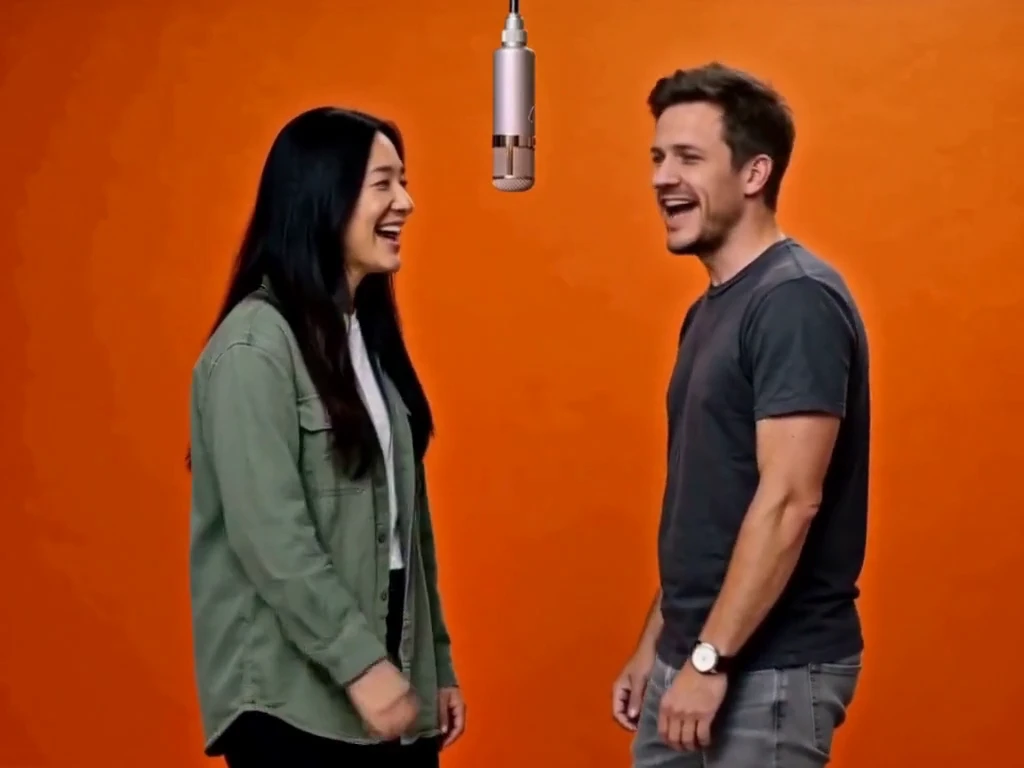
Hotel Lobby
2 photos · 5–15 seconds · 4:3 default
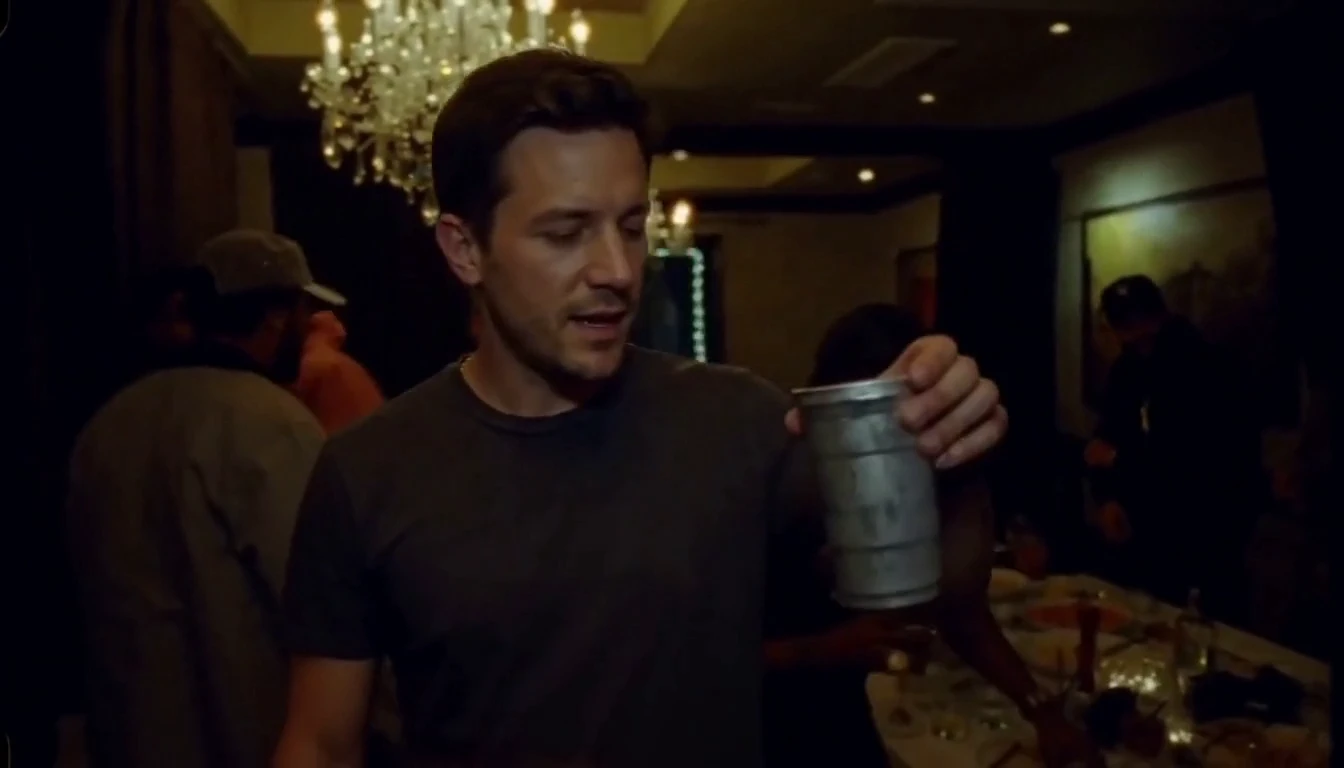
Burning Bridges
1 photo · 5–15 seconds · 16:9 default