Make a Burning Bridges video from your photo.
Take the lead at the party. Recreate the cup gestures and the hand-over-eyes moment with your own photo.
AI-generated example · 5s · 1 photo
- Photos
- 1 photo
- Length
- 5s / 10s / 15s
- Format
- Landscape, portrait & square
- Resolution
- 768P / 2K
Put yourself at the center of a chandelier-lit party with one clear portrait. The Burning Bridges preset supplies the crowded room, cup gestures and hand-over-eyes moment, so there is no reference clip to upload or prompt to write. Choose a 5, 10 or 15-second remake, with 10 seconds selected by default. AI-generated sound is included. You can replace it with music from your platform’s library when you post. Choose landscape, portrait or square framing in the form.
Take the lead at the party.
The Burning Bridges template centers on one performer working the room: a cup in hand, gestures toward the camera and the hand-over-eyes scan. Your portrait supplies the lead for the party scene.
One photo, one lead
Use a clear portrait of the person you want at the center of the scene. There is no second performer to cast.
The recognizable gestures
The preset is built around the cup and the searching-the-room moment. Its reference supplies the movement and party setting.
A scene with a caption in mind
Make it a reaction to the group chat, a party invitation or a playful “looking for…” post. Add your own caption in your posting app after downloading.
How to make your Burning Bridges remake
Choose the person at the party
Pick one clear portrait for the lead. A well-lit face and visible upper body give the template more to work with.
Add your photo and choose the resolution
Upload the portrait. The party reference and gestures are preset; choose 768P or 2K with AI-generated sound.
Generate and check the performance
Make your video at the selected length. Review the face, hands, cup and movement, then download the result.
Before you upload
Make the face easy to recognize
The lead is close to the camera. A clear face matters more than a party background in your original photo.
JPG, PNG or WebP
Use a photo of one person with an unobstructed, well-lit face.
Include shoulders or upper-body context when possible; avoid an extreme close-up.
Choose a straightforward front or slight-angle portrait, rather than a distant figure or side profile.
Skip group shots, strong filters and motion blur. You do not need to hold a cup in the source photo.
AI sound and your final soundtrack
The preset references a party performance. It does not guarantee the original song, exact lyrics or synchronized lip movement.
AI-generated sound included
AI-generated sound is included. It may differ from the reference; you can replace it when editing or posting your video.
Add the track when you post
The original song is not guaranteed in the output. For a specific track, replace the generated soundtrack with audio available to you on your publishing platform.
Review before you share
Check the people or pet, movement and audio in the result. You can download a completed video and return to it in History.
Burning Bridges questions
One clear photo of the person who will lead the party scene. Use a well-lit face with some upper-body context if possible. You do not need a photo taken at a party.
No. The cup gestures and hand-over-eyes moment come from the template reference. Keep the face unobstructed in your source photo.
The current template has one photo slot for the lead performer. It does not offer a separate crowd-person slot. For a two-person performance, explore Hotel Lobby.
AI-generated sound is included. The original song and lyrics are not guaranteed; you can replace the soundtrack in your editor or posting app.
Choose 5, 10 or 15 seconds, with 10 seconds selected by default, at 768P or 2K. Shorter versions focus on the key gestures and may omit other parts of the reference. The credit quote updates for your selected length and resolution. The default format is landscape 16:9. Choose 768P for a lower credit cost or 2K for more detail. Choose 16:9 landscape, 9:16 portrait, 1:1 square or 4:3. Changing format asks the model to reframe the scene; composition may differ from the reference. Aspect ratio does not change the credit cost.
This template makes the video and does not include a caption editor. Download the completed result, then add your text in the app where you plan to post it.
A different cast. Another moment.
Try a different template for a friend, a solo performance or your pet.
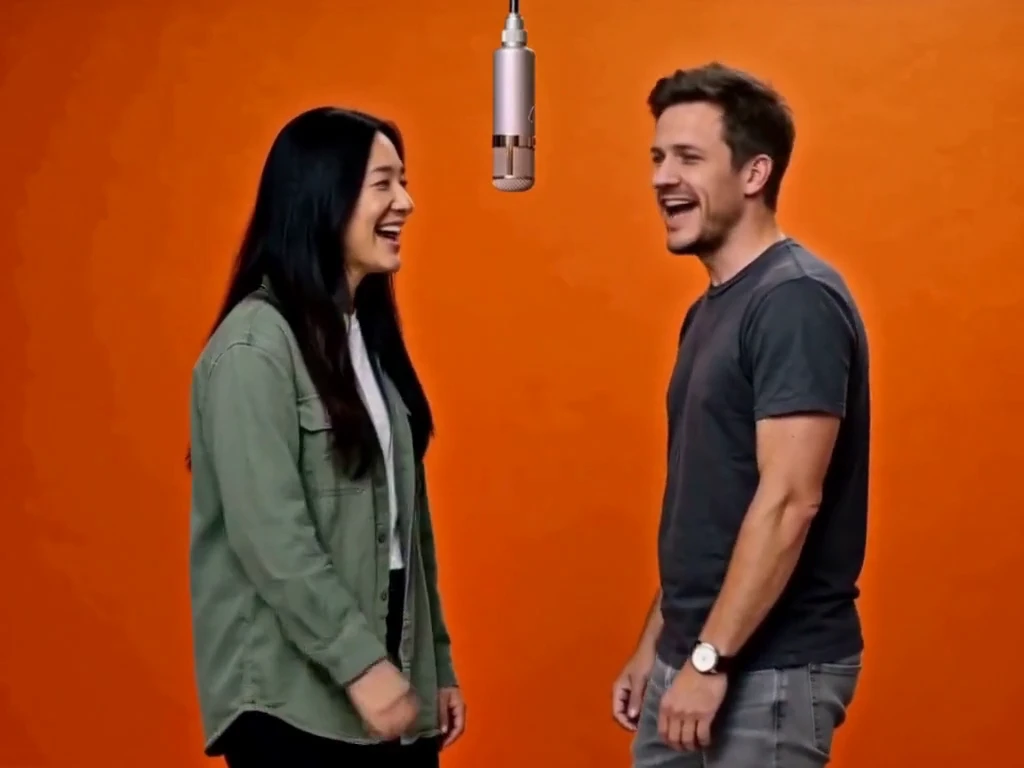
Hotel Lobby
2 photos · 5–15 seconds · 4:3 default
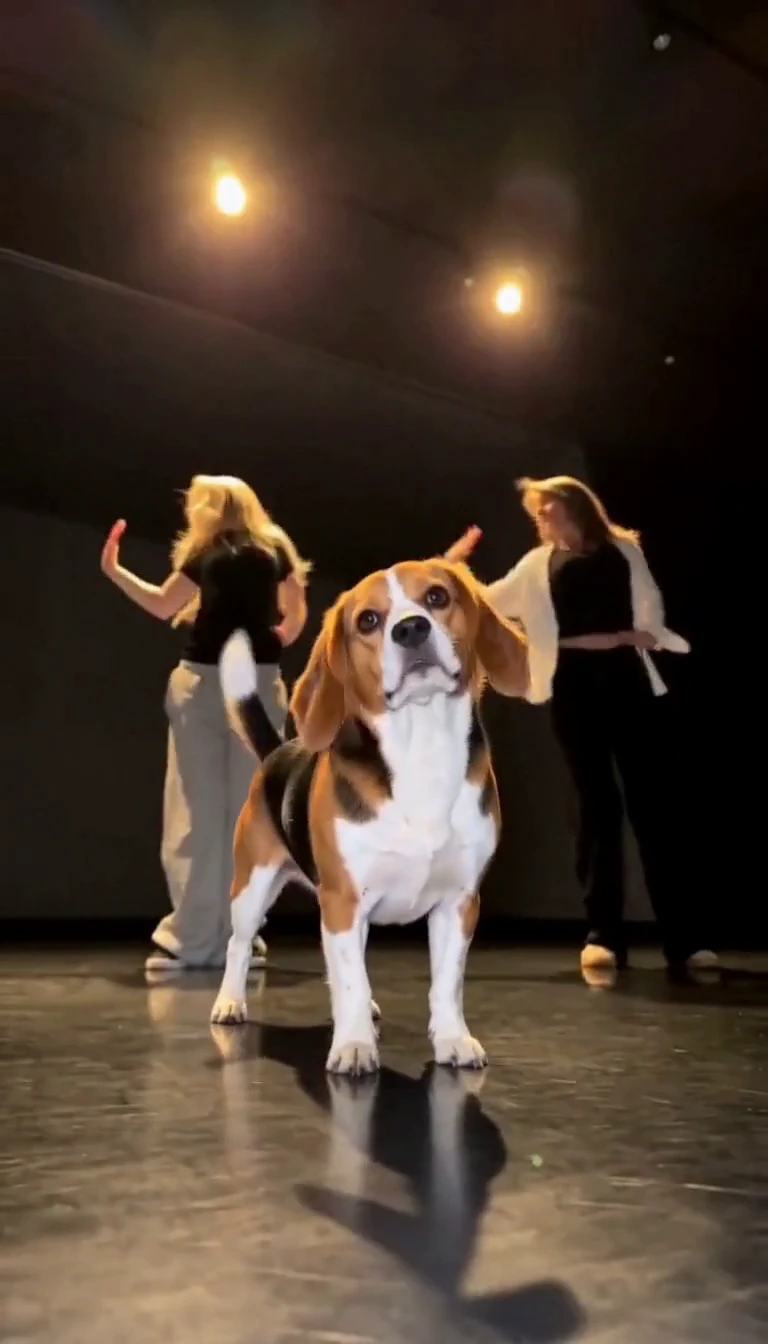
Single Ladies Pet
1 pet photo · 5–15 seconds · 9:16 default